
Tired of employees squinting at their screens or customers struggling to see your merchandise? Light glare is a silent killer of productivity, whether you are managing an office or high-power commercial stadium light fixtures. But don’t worry, we’ve got you covered. In this guide, we’ll expose the hidden costs of glare and illuminate the path to a brighter, glare-free future for your business.
Light glare is excessive brightness that causes visual discomfort and can harm your business. It reduces productivity, creates safety hazards, and negatively impacts customer experience. The four main types are direct glare, reflected glare, discomfort glare, and disability glare.
Want to learn how to banish glare and boost your bottom line? Read on to discover the types of glare, their negative effects, and how to implement effective low glare lighting solutions. We’ll even share expert tips and case studies. They will help you create a more comfy, productive, and energy-saving workspace. Don’t let light glare hold you back – let’s illuminate the path to success!
Unmasking the Culprits: The Different Types of Light Glare
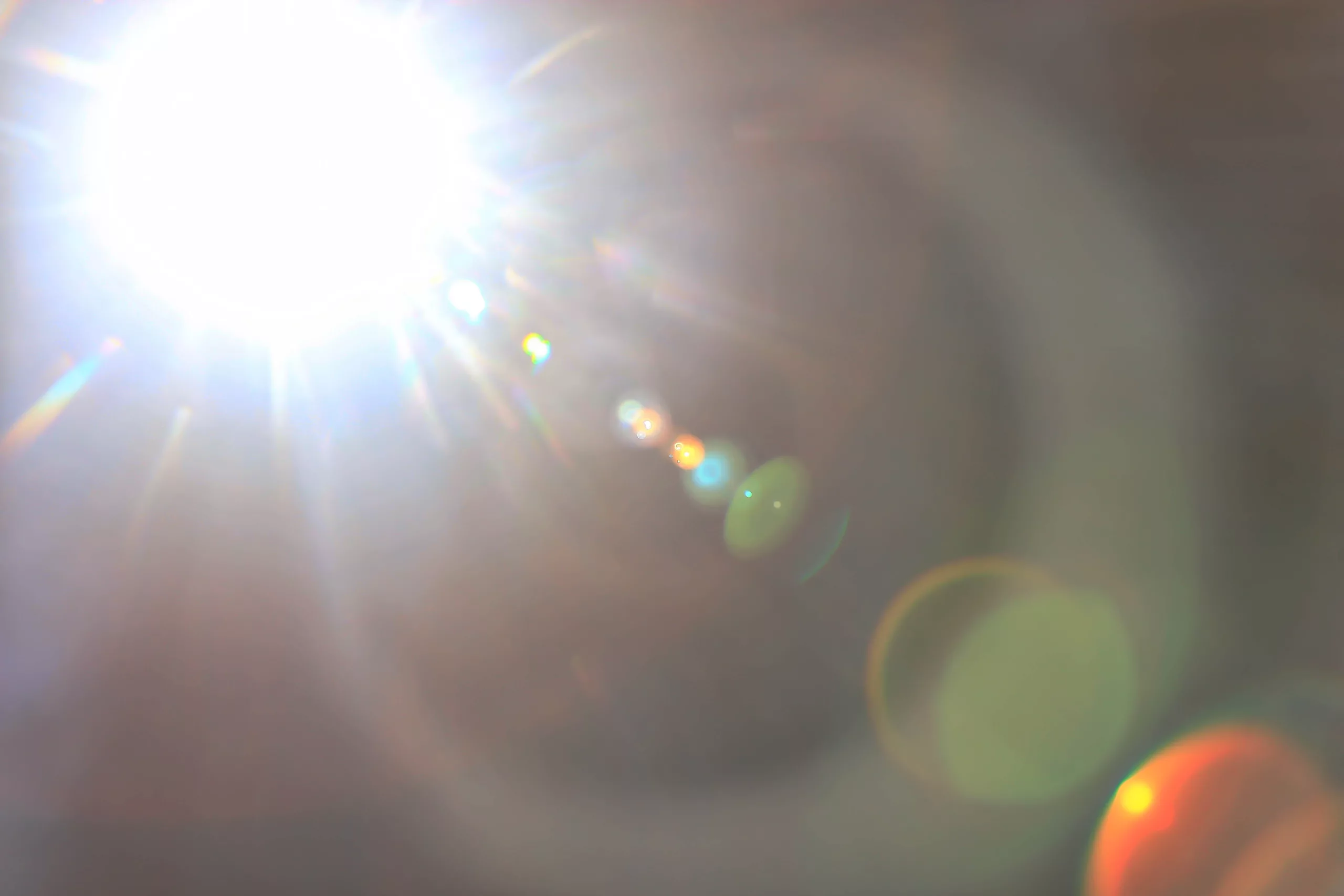 showing the effects of direct glare
Not all glare is created equal. Understanding the various types can help you pinpoint the sources and choose the right solutions.
Direct Glare: This is the most obvious kind – when a light source shines directly into your eyes. Think of unshielded light bulbs, poorly positioned downlights, or unshielded outdoor sports lighting fixtures. Direct glare can cause eye strain, headaches, and make it difficult to see what you’re working on.
Reflected Glare: This is sneaky. It bounces off surfaces like computer screens, glossy paper, or shiny floors. It can reduce visual clarity and make it hard to focus on tasks.
Discomfort Glare: This is more of a feeling than a specific light source. It’s that sense of unease or annoyance you get from overly bright or harsh lighting. Think of sunlight streaming through a window or fluorescent lights flickering overhead.
Disability Glare: This is the most serious type, where glare actually impairs your vision. Headlights on a dark road or bright spotlights are examples. Disability glare can create safety hazards and significantly reduce performance.
To learn how to prevent this in various environments, check out Bollard Lighting: The Ultimate Guide for B2B Buyers to Illuminate & Elevate.
The High Cost of Glare: A Drain on Business
 Discomfort Glare
While glare might seem like a minor inconvenience, its impact on businesses can be substantial. Let’s take a closer look at the toll it takes in different professional settings:
Workplace Productivity
Imagine an office where employees squint at screens. They battle headaches and eye fatigue. Research suggests that glare can reduce productivity by up to 20%. A case study compared two offices. One had glare issues, the other had proper glare control. It revealed a big difference in employee satisfaction and output. The glare-free office saw a 15% increase in productivity and a 25% decrease in reported headaches.
Research suggests that glare can reduce productivity by up to 20%. For an in-depth analysis, see the study by the Sageglass on workplace lighting and productivity.
Retail Environments
In retail, lighting is everything. It sets the mood, highlights products, and influences customer behavior. But what happens when glare interferes? Imagine trying to admire a piece of jewelry. But, harsh spotlights create distracting reflections. Studies have shown that bad lighting, including glare, can cut customer dwell time. It can also hurt purchasing decisions.
Studies have shown that bad lighting, including glare, can cut customer dwell time and affect purchasing decisions. For a detailed case study, see the report by Retail Lighting Insights on lighting and customer experience.
Industrial Settings
Glare can be more than just an annoyance in industrial environments; it can be a safety hazard. Imagine a worker on a factory floor, their vision momentarily impaired by a bright light. This could lead to accidents, injuries, or costly mistakes. Also, glare can make it hard to do precise tasks. It can also make it hard to do visual inspections. This affects productivity and quality control.
The numbers don’t lie: glare is a costly problem for businesses. For a detailed analysis on the financial implications of glare, refer to our article Understanding How much does a street light cost?.
Shining a Light on Solutions: Low Glare Lighting Strategies

Ready for the good news? Light glare isn’t an insurmountable problem. With the right strategies and a bit of know-how, you can create spaces that are both visually comfortable and highly functional. Let’s explore some proven techniques to minimize glare and maximize lighting effectiveness:
Choosing the Right LED Fixtures: Your First Line of Defense
LED lighting has changed how we light our spaces. It offers energy efficiency, longevity, and versatility. Modern options engineered with high luminous efficacy and a guaranteed long lifespan provide bright illumination without harshness, but not all LED fixtures are created equal when it comes to glare control. Here’s what to consider:
Luminaire Design: Opt for fixtures with features that minimize glare, such as:
Shielding: This prevents light from shining directly into the eyes.
Diffusers: These spread the light out more evenly, reducing harshness.
Beam Angles: Choose wider beam angles for general lighting and narrower ones for task lighting.
Light Distribution:
Direct Lighting: This focuses light downward, which can be great for task lighting but may cause glare if not properly shielded.
Indirect Lighting: This bounces light off the ceiling or walls, creating a softer, more diffused glow. It’s excellent for ambient lighting and reducing glare.
Aim for even light levels: They prevent harsh contrasts that cause glare.
Color Temperature:
Cooler Light (4000K-6500K): Can be perceived as brighter and may cause more glare, but it’s also associated with alertness and focus.
Warmer light (2700K-3000K): More relaxing and less prone to glare. It is suitable for areas where comfort is a priority.
To learn more about selecting the best fixtures, read our comprehensive guide The Essential Guide to LED Driver for Wholesale Success.
Lighting Layout and Design: Strategic Placement for Optimal Results
The way you arrange your lighting can make a world of difference in glare control. Here are some key principles to keep in mind:
Task Lighting: Provide focused light where it’s needed most, such as on desks, workbenches, or retail displays. This reduces the need for overall high light levels, which can contribute to glare.
General Lighting: Use general lighting to create a comfy baseline of light in the space. This helps to reduce contrast and minimize the harshness of task lighting.
Dimmers and Occupancy Sensors: Install dimmers and occupancy sensors that comply with standard CE certification or FCC certification. They give users control over light levels. They also ensure lights are only on when needed. This not only reduces glare but also saves energy.
Additional Glare Reduction Techniques: Fine-Tuning Your Lighting Environment
Choosing the right LED fixtures and a good layout are crucial. But, there are more techniques to reduce glare and improve visual comfort:
Anti-Glare Screens: Your employees spend a lot of time in front of computer screens. Consider investing in anti-glare protectors. These thin films reduce reflections and make it easier to see the screen, especially in bright environments.
Window Treatments: Sunlight can be a major source of glare, especially in offices with large windows. Blinds, shades, or special window films can control natural light. They also cut glare on screens or work surfaces.
Surface Finishes: When choosing materials for your workspace, opt for matte finishes over glossy ones. Matte surfaces are less reflective and therefore less likely to contribute to glare. This applies to everything from desks and countertops to floors and walls.
Smart Lighting Systems: Consider smart lighting systems. They can adjust light levels based on occupancy, time of day, or natural light. This not only reduces glare but also optimizes energy usage.
For more on this technology, see our feature Mastering LED Dimming: The Buyer’s Guide to Profit and Performance.
Illuminating the Future: The Benefits of Low Glare LED Lighting
Investing in low glare LED lighting isn’t just about solving a problem—it’s about creating a better future for your business. Here’s how it can pay off:
Enhanced Visual Comfort
Imagine a workspace where employees aren’t squinting. They aren’t rubbing their eyes or complaining of headaches. Research has shown that low glare lighting helps a lot. It can greatly improve visual comfort. This improvement leads to happier and healthier employees. A study found that good lighting reduced eye strain by 20% and headaches by 27%.
Increased Productivity and Safety
When employees are comfortable and can see clearly, they’re more likely to be productive and focused. Studies have linked better lighting to higher productivity. It also reduces errors and workplace accidents. In one case study, a factory upgraded to low glare LED lighting. This led to a 10% rise in productivity and a 15% drop in accidents.
Energy Efficiency and Sustainability
LED lighting is already known for its energy efficiency, especially when selecting fixtures with a certified 50000+ hours service life. But, when combined with glare reduction, the savings can be even greater. Use fewer fixtures. Dim lights when not needed. And optimize light distribution. You can greatly cut your energy use and shrink your carbon footprint.
Low glare lighting helps to greatly improve visual comfort, leading to happier and healthier employees. The Human Factors and Ergonomics Society provides further insights into the relationship between lighting and well-being in the workplace.
Conclusion: A Brighter Future Without the Glare
Light glare is a common challenge, but it doesn’t have to be a constant one. By understanding the types of glare, you can see its harm to your business. Then, by using low glare lighting, you can make spaces that are not just comfy but also more productive, safer, and energy-efficient.
LED technology, with its versatility and energy-saving potential, is a powerful tool in the fight against glare. Choose the right fixtures, plan a good layout, and add glare reduction. Doing so can turn your workspace into a place where employees thrive. Customers will feel welcome, and productivity will soar.
So, take a moment to assess your current lighting situation. Are your employees squinting at their screens? Are customers struggling to see your products clearly? Is glare hindering productivity or creating safety hazards? If so, it’s time to take action.
Explore the wide range of low glare LED lighting options available today. Ask lighting professionals for help. They can help you design a custom solution. It will meet your specific needs and budget. Invest in your business’s future. Do this by investing in lighting that enhances well-being, productivity, and sustainability.
The goal isn’t just to cut glare. It’s to make light that helps your business and everyone shine.