Contents
1. No Direct Sun Is Different from No Light
2. Understand the Limits of Indoor Lighting
3. Use USB or Electrical Backup Only When Supported
4. Estimate Charging Time from Energy
5. Recover Useful Daylight Before Replacing Components
6. Specify Backup for Commercial Solar Lighting
1. No Direct Sun Is Different from No Light
You can sometimes charge solar lights without direct sunlight, but the available energy determines the result. Cloudy daylight can reach a photovoltaic panel as diffuse radiation. A dark room provides no solar input, and ordinary indoor lighting usually provides much less useful charging energy than outdoor daylight.
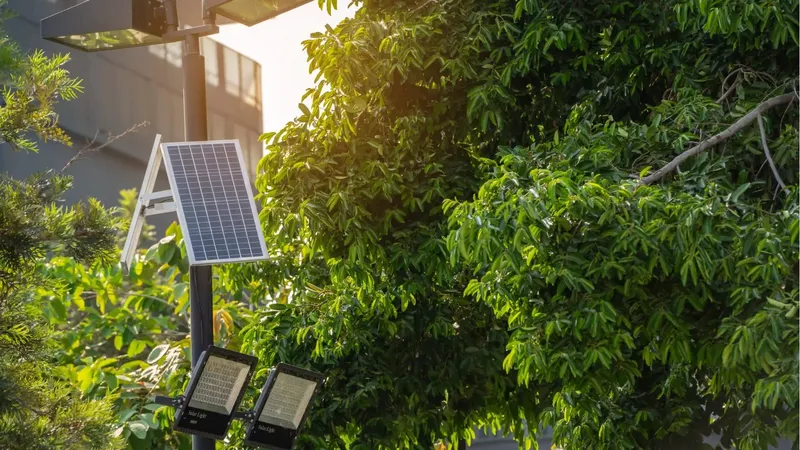
Start by separating a temporary weather problem from a charging fault. Check the panel location, connections and operating instructions. The U.S. Department of Energy distinguishes direct and diffuse solar radiation; neither guarantees a full battery on a particular day. For siting decisions, consider how direct sunlight affects solar lights rather than treating every shaded location as equivalent.
2. Understand the Limits of Indoor Lighting
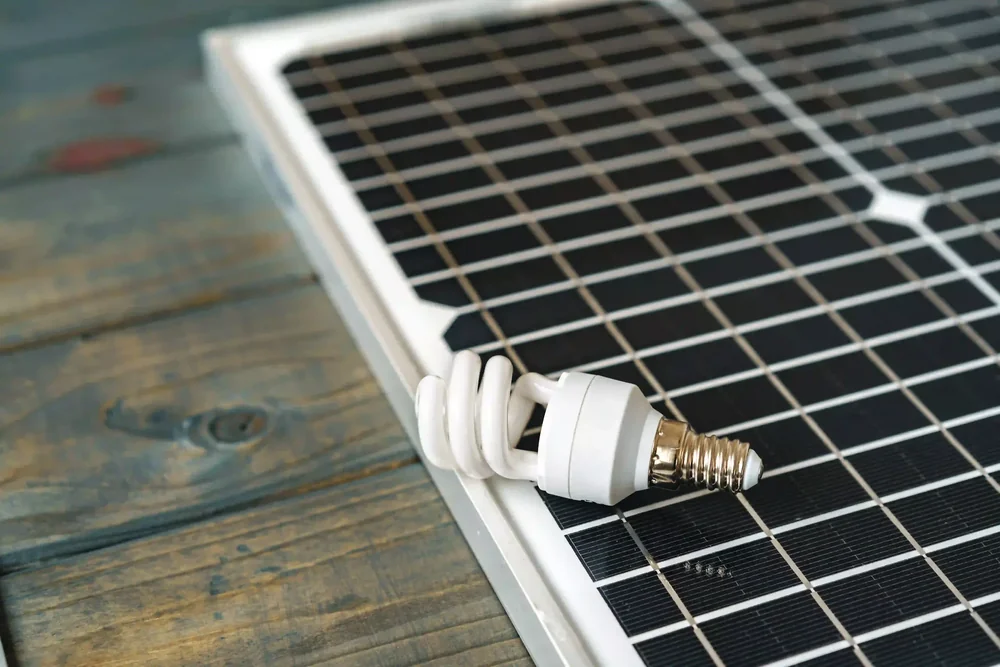
A suitable panel can produce electricity under artificial light. NIST research demonstrates indoor photovoltaic harvesting for low-power smart devices. That does not establish that a household lamp can recharge an outdoor light enough for a full night. Spectrum, intensity, illuminated panel area and controller behaviour all affect the result.
Placing a panel beneath an LED or fluorescent lamp may produce a small charge, but it is an inefficient routine substitute for daylight. Do not infer charging performance from the lamp’s electrical wattage or assume incandescent lamps are always faster. Avoid placing a panel close to a hot bulb. Use an approved electrical charging input when one is provided.
3. Use USB or Electrical Backup Only When Supported
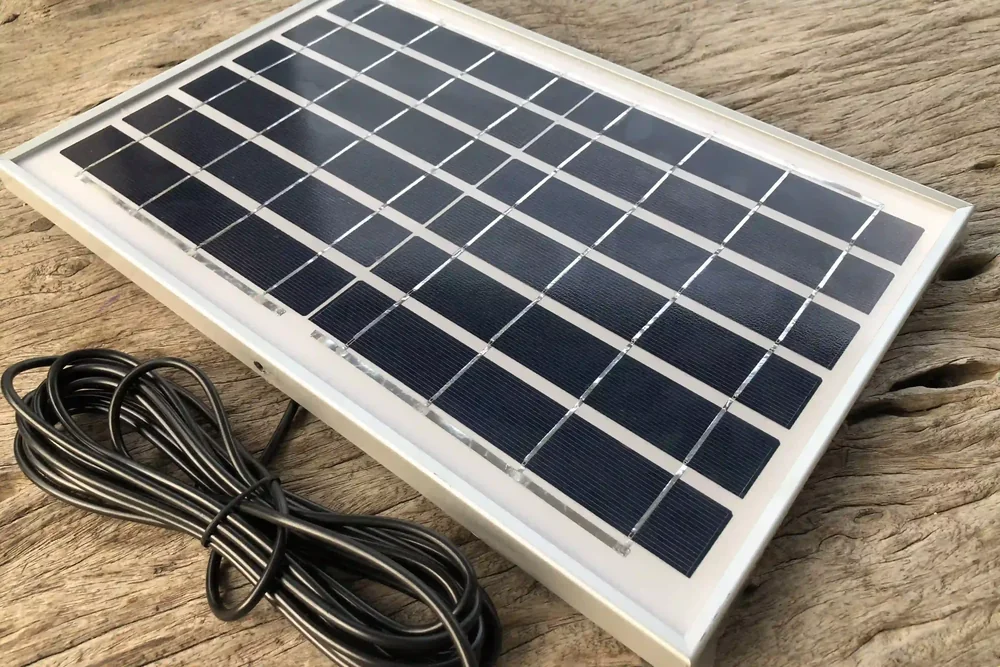
Some portable solar lights include a dedicated USB charging input. Others have no electrical charging facility. Check the exact model’s manual, connector, input voltage and current rating before connecting a charger or power bank. A USB socket marked as an output is intended to power another device; it is not automatically a charging input.
A mains charger must match the specified battery chemistry and charging controls. Do not connect an arbitrary supply directly to a battery or improvise wiring inside a sealed street light. A replacement battery restores storage capacity only if the old battery is faulty; swapping batteries is not a method of generating charge.
4. Estimate Charging Time from Energy
Battery energy is measured in watt-hours (Wh). A useful first estimate is time in hours = energy to replace in Wh / average net charging power in W. Net power means energy actually entering storage after losses, not the panel’s nameplate output. Near-full charging, temperature limits and controller cut-offs can extend the time.
| Illustrative energy to replace | Assumed average net charging power | Calculated time |
|---|---|---|
| 6 Wh | 0.05 W | 120 h |
| 6 Wh | 0.5 W | 12 h |
| 6 Wh | 2 W | 3 h |
On smaller screens, swipe within the table to view all columns.
These are arithmetic examples, not measured indoor-light or CPS product results. They show why detecting a charging indicator is different from replenishing useful energy. A power bank also has finite stored energy and conversion losses. Check both its compatible output and the light’s input rather than assuming a larger current label forces faster charging.
5. Recover Useful Daylight Before Replacing Components
Move a portable panel away from deep shade where practical, and follow the manufacturer’s orientation guidance. Window glass, indoor positioning and nearby obstructions can reduce usable light. An external portable panel helps only when its electrical interface is compatible and its location receives sufficient daylight; it cannot solve complete darkness.
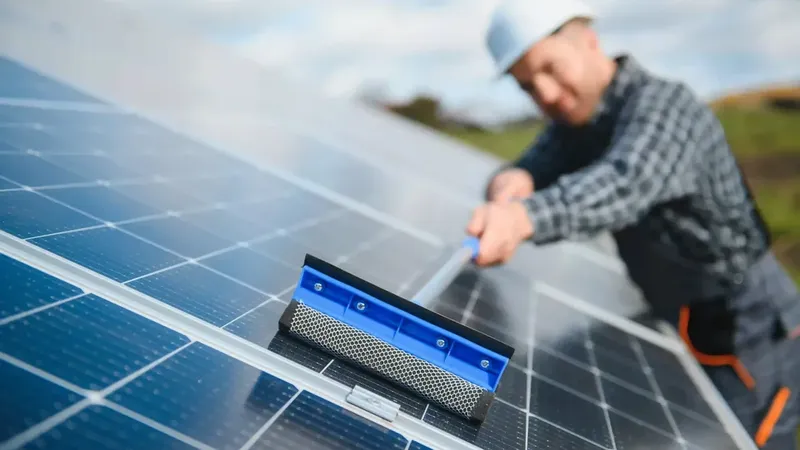
Check for dirt, leaves and new shading. Follow a suitable panel-cleaning procedure without abrasive tools. Reducing operating hours or dimming can conserve energy, but changes the delivered lighting. Assess night-time runtime against the actual schedule. Do not apply a universal monthly 48–72-hour “deep charge” routine: battery and controller instructions take priority.

6. Specify Backup for Commercial Solar Lighting
For roads and public spaces, a temporary charging workaround is a poor substitute for a design-season energy budget. Request the panel rating, usable battery energy, programmed lighting periods and expected charging conditions. Check whether lower output during prolonged cloud still meets the project’s illumination requirements.
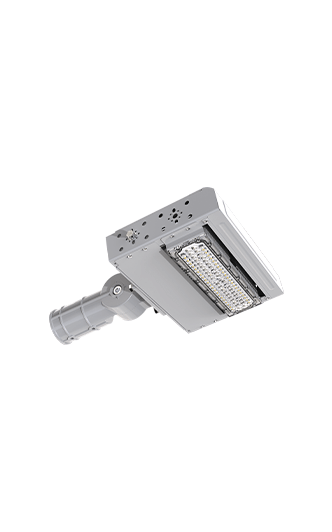
Where electrical backup is required, specify equipment designed for it. The Hulk-E-3rd mains-complementary version lists automatic solar/mains switching and 100–277 V AC input. Those features belong to that configuration, not every solar light. The Sunflower solar range lists microwave sensing and 1,000–4,000 lm options; these figures alone do not prove overnight autonomy.
7. Verify the Whole System, Not Just Charging
CPS Lighting’s Hangzhou Asian Games smart-pole project describes remote dimming and unified device management. It illustrates control integration, not solar charging performance. Project references should be assessed for the specific capability they demonstrate.
For commissioning, record panel exposure, charging status, battery condition, operating schedule and measured illumination. Investigate repeated early switch-off before buying more hardware. If approved charging cannot restore normal operation, ask the supplier to assess the battery or controller. The practical goal is dependable lighting, not simply showing a charging symbol.
8. Technical Sources
The charging table uses explicit assumptions. Product-specific input and control information is linked in the relevant sections.
1. U.S. Department of Energy: solar radiation basics
Core Keywords:
charge solar lights without sun, solar lights on cloudy days, USB charging solar lights, solar light battery charging, commercial solar lighting backup