Contents
1. How to Clean a Solar Light Panel Safely
2. Why Dirt Can Shorten Night-Time Operation
3. Choose Suitable Cleaning Tools
5. Avoid Surface and Electrical Damage
6. Set a Site-Based Cleaning Schedule
1. How to Clean a Solar Light Panel Safely
To clean a solar light panel, follow the product’s maintenance instructions, soften attached dirt with suitable water, wipe gently with a clean non-abrasive cloth, and remove any residue. Use detergent only when the manufacturer permits it. Do not scrape dry grit or spray protective coatings onto the panel.
Start with safe access and a cool surface. A small garden light and a pole-mounted street light require different maintenance arrangements. Damaged glass, exposed wiring or work at height calls for qualified service personnel, not a general DIY cleaning method.
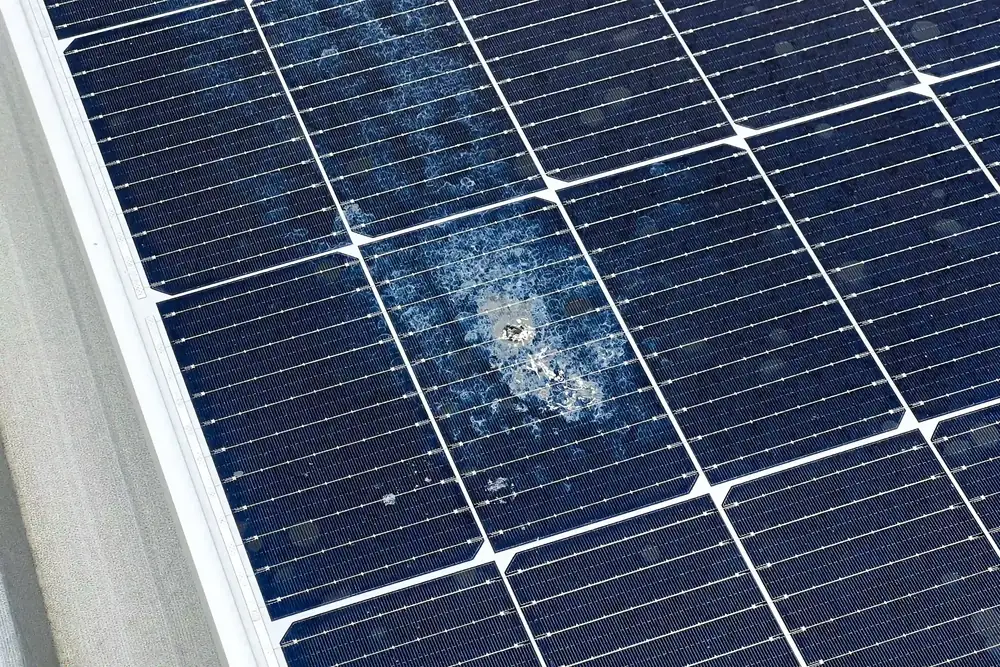
If surface markings look like cracks rather than removable dirt, stop and arrange inspection. Do not test them by scrubbing.
2. Why Dirt Can Shorten Night-Time Operation
Photovoltaic (PV) cells convert light into electricity. Dust, pollen and bird droppings can reduce the light reaching them, lowering daytime charging. At night, the LED uses stored battery energy, which helps determine its operating hours. Cleaning can recover a soiling-related loss, but it cannot increase the battery’s original capacity or repair ageing components.
The comparison below is an illustrative energy budget, not a measured product result. Assume 100 Wh of usable stored energy and a constant 10 W lighting load. A watt-hour (Wh) measures energy; a watt (W) measures the rate at which the lamp uses it.
On small screens, swipe the table to view all columns.
Duration = usable energy ÷ load power. The example starts after charging/storage losses and ignores changing dimming levels. If a battery already reaches full charge despite dirt, cleaning may not extend that night’s runtime. Actual soiling losses must be measured rather than assumed.
3. Choose Suitable Cleaning Tools
A clean soft cloth or sponge, suitable clean water and a small container are usually enough for routine cleaning. Low-mineral water can help avoid drying marks. A panel-specific manual takes priority over a general recommendation for household soap, glass cleaner or a particular brush.
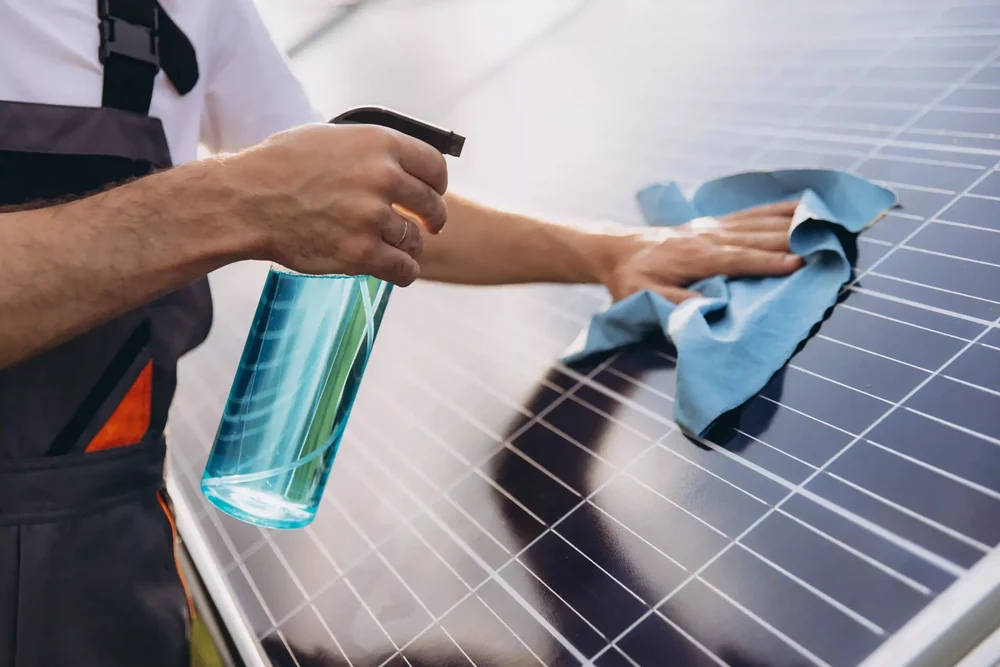
Keep the cloth free of trapped grit and replace dirty cleaning water. The Canadian Solar module manual cautions against rubbing dirt away dry and using unapproved chemicals. These are useful precautions for PV glass, but plastic covers and special coatings may require different care. Follow the instructions for the actual panel surface.
4. Clean, Rinse and Inspect
Inspect the surface before adding water. Check for cracks, loose parts and visible cable damage without opening electrical compartments. Follow the manufacturer’s shutdown instructions; turning the LED off does not necessarily stop an illuminated PV panel from generating electricity.
For an intact, safely accessible panel, first loosen grit with the permitted water method. Allow attached dirt to soften, then wipe gently with the clean cloth or sponge. If an approved detergent is necessary, use the specified dilution and rinse away its residue.
Keep water away from openings, electrical connections and the rear enclosure. Finish according to the manual, allowing drainage or using a clean soft cloth where permitted. Check that the surface is clear before restoring the normal operating setting.
5. Avoid Surface and Electrical Damage
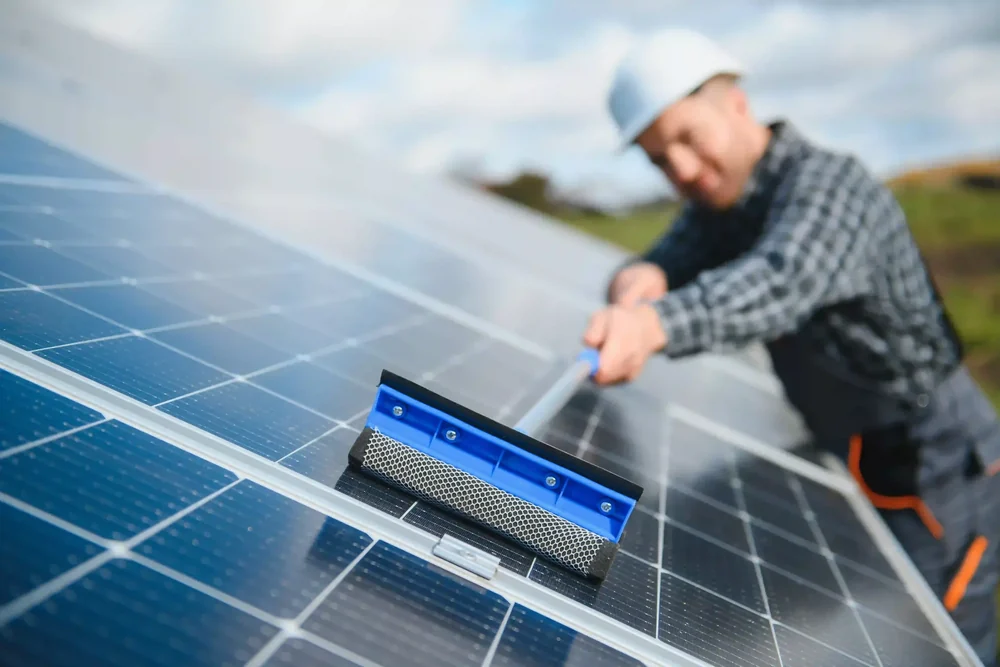
Avoid scouring pads, metal blades and improvised toothbrush scrubbing. Do not apply UV-protectant paint, polish or solvent treatments. A visually clear coating can still change the optical surface or conflict with the module’s warranty conditions.
Clean during a cooler period and avoid abrupt water-temperature changes. Trina Solar’s module guidance discusses thermal stress and keeping connectors dry. An IP rating is an enclosure test classification, not permission to pressure-wash or immerse the complete light. Use the method approved for the exact assembly.
6. Set a Site-Based Cleaning Schedule
There is no universal monthly or quarterly cleaning rule. Those intervals can be initial inspection reminders, not guaranteed service requirements. Construction dust, bird activity, pollen, nearby trees, panel inclination and rainfall determine how quickly contamination becomes significant.
Inspect after heavy soiling events and compare photographs over time. Rain may remove loose dust while leaving attached residue. Clean when the visible condition or charging record justifies it, then adjust the schedule. Record weather and lamp settings so normal seasonal changes are not mistaken for dirt-related failure.
7. Check a Light That Is Still Dim
A clean panel will not correct a shaded location or a worn battery. If a solar light still seems dim, look beyond the surface. Check whether recent cloud cover or surrounding shade has left it with limited sunlight, rather than assuming that more scrubbing will help.
Next, review the operating settings without opening electrical compartments. A changed timer, dimming level or motion-sensor setting can make the light behave differently even when the panel is clean. Compare the current settings with the product instructions before changing them, and leave battery testing or replacement to the appropriate service process.
Compare operation under similar charging conditions and unchanged settings, and record when the light dims or switches off. Persistent electrical faults should be assessed by qualified maintenance personnel. Useful service information includes the model label, photographs and operating history. Cleaning is one maintenance step, not a universal repair.
8. Technical Sources
1. Canadian Solar: PV Module Installation Manual, v3.1, §§7–8
Core Keywords:
how to clean a solar light panel, solar panel cleaning, solar light maintenance, solar charging, solar light battery, solar street light cleaning