Contents
1.A Lens Change Usually Needs Different Photometry
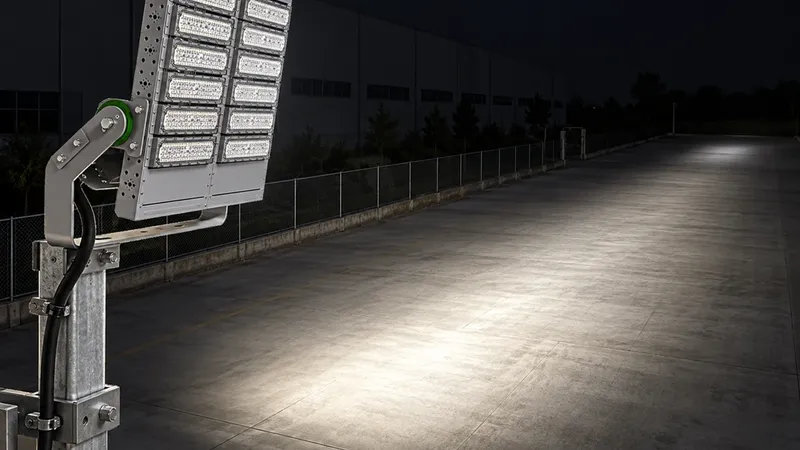
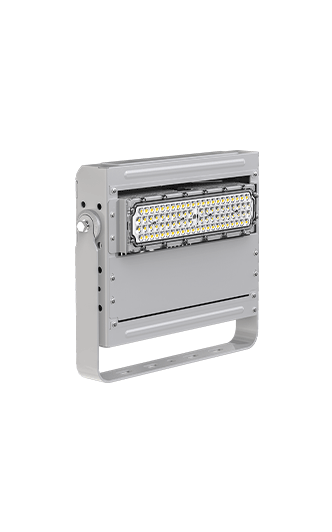
A contractor keeps the approved floodlight housing but replaces its narrow lens with a wider optic. The old calculation still opens, and the wattage looks correct. Yet the model now describes a different assembly. You should normally obtain a matching IES file after changing optics. Keep the old file as a design record, rather than treating it as evidence for the replacement.

An IES file supplies luminous intensity distribution: how much light travels in each recorded direction. A new lens can change that distribution even when total lumens remain similar. A beam-angle label also leaves much of the pattern unknown. The CPS guide to floodlight beam angle and coverage explains why a stated angle cannot establish useful coverage on its own.
2.Why Changing Lumens Cannot Fix the Old File
An output multiplier changes every recorded intensity by the same proportion. It cannot move a peak or widen one part of a beam. For an assumed example, the old optic gives 10,000 cd at 0° and 2,000 cd at 30°. The new optic gives 6,000 cd and 4,000 cd. These are teaching values, not test results for the Dubhe 1000W floodlight or another product.
The first direction needs a factor of 0.60, while the second needs 2.00. No single factor can match both. Scaling by 0.60 would leave only 1,200 cd at 30°, far below the assumed new value. Changing a filename, wattage field or maintenance factor does not supply the missing angular measurements. The model needs the replacement optic’s full distribution.

3.Separate Optical Changes From Output and Aiming
A change to aiming is different from a lens replacement. With the same luminaire assembly, the designer can rotate matching photometry in the model. The designer must still verify its reference plane and bracket settings. The CPS floodlight aiming guide shows how small orientation errors affect coverage. Added visors, louvers or diffusers also need review because they can block or redirect light.
ANSI/IES LM-79-24 covers optical and electrical measurements of solid-state lighting products, including intensity distribution. DOE guidance also stresses identification of the tested configuration. Request the optic code, LED and driver settings, accessories, report reference and file revision. Reuse is reasonable only when the supplier supports the file’s applicability to that assembly; a shared housing or nominal beam angle is insufficient.
4.Recalculate the Layout With Controlled Inputs
Import the matching replacement file into the DIALux or AGi32 simulation. First keep pole positions, heights, aiming, calculation planes, grids and maintenance assumptions unchanged. This comparison isolates the optical change. Compare average and minimum illuminance, lighting uniformity, vertical planes, relevant glare results and spill light. Use the same legend scale for both plots so colour changes remain meaningful.
Then adjust aiming if the new distribution requires it and run the calculation again. Record those adjustments separately from the first comparison. Check property boundaries and critical player sightlines, not just the centre of the field. Update the lighting calculation report with the replacement file and aiming schedule. An attractive rendering or unchanged average lux cannot establish that every requirement remains satisfied.

5.Keep the Approved Optic Traceable Through Installation
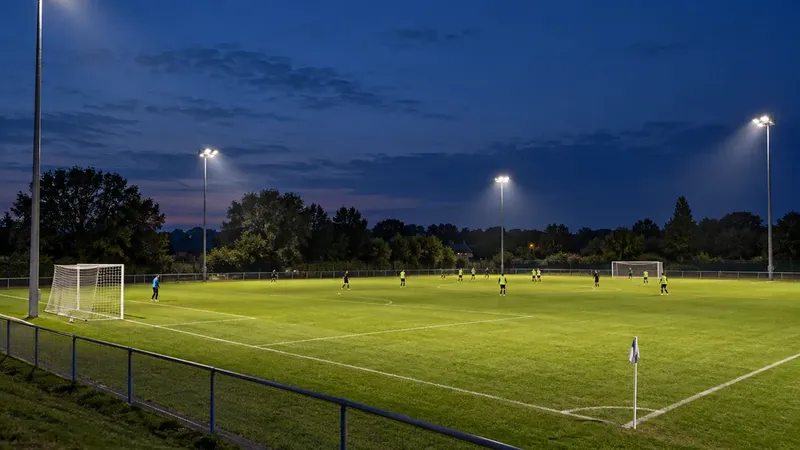
The CPS Grade III high-pole football project reports four-corner placement with 18 m lifting poles and average illuminance above 550 lx after commissioning. Its published account describes optical matching and glare control. The page does not document a lens-substitution test, so that result cannot validate an alternative optic. It shows why the approved equipment, geometry and commissioning record need to stay connected.
For a proposed substitution, send the supplier the original file, replacement optic code, operating setting, accessory list and approved model. Ask for matching photometry and confirmation of any supported scaling. After installation, verify the actual optic and aiming, then measure the specified grids and operating modes. Archive both revisions. This process makes an LED floodlight optics change reviewable before the revised layout becomes the installed system.
6.Technical Sources
Keywords: IES file after changing optics, LED floodlight optics, photometric data, luminous intensity distribution, beam angle, output scaling, lighting simulation, lighting uniformity.